You keep the credit
Every zine carries your name. It’s your work, published under a specialist imprint — not lost in someone else’s catalog.
Print-only photography zines
A print-only, high-quality photography zine of your work. We design, print, ship, and market it — you just shoot. Make a single issue, or keep publishing new ones.
It costs you nothing to publish. Readers buy your zine or subscribe for each new issue, and the earnings are yours.
The deal
No upfront cost and no risk — no boxes in your closet, no dealing with printers or shipping. Readers pay $20 for a printed zine of your work, as a single issue or a subscription. After printing, shipping, and our 10% fee, about $11 of every $20 is yours. Publish once, or keep going and it adds up.
HOW THE MONEY WORKS
$20
per reader, per issue
− Printing and shipping
− A 10% platform fee
= About $11 is yours
Per issue — readers buy once or subscribe for each new one.
The object
Print-only, on heavy satin stock. Every issue shares one format, so if you keep publishing, the issues line up on a shelf as a growing set — not a folder of files.
How it works
01
You send a set of images. We handle the sequencing, layout, and printing to a standard your work deserves.
02
We produce the zine and mail it to every reader. Each release goes out through your own social channels, under your name.
03
Readers buy each issue, and many subscribe. Your share lands on every one, and it compounds as your audience grows.
What stays yours
Make a single zine and it’s yours to sell. Keep going and readers can subscribe — recurring, and it grows. Either way it’s promoted to the people who already follow you, so the audience selling it is the one you built.
Every zine carries your name. It’s your work, published under a specialist imprint — not lost in someone else’s catalog.
Your subscribers are yours. If one wants a print, a commission, or a workshop spot, that’s between you and them. We don’t broker it or take a percentage.
No upfront cost and no inventory. If an issue doesn’t sell, you’re not left holding a print run. You only ever earn.
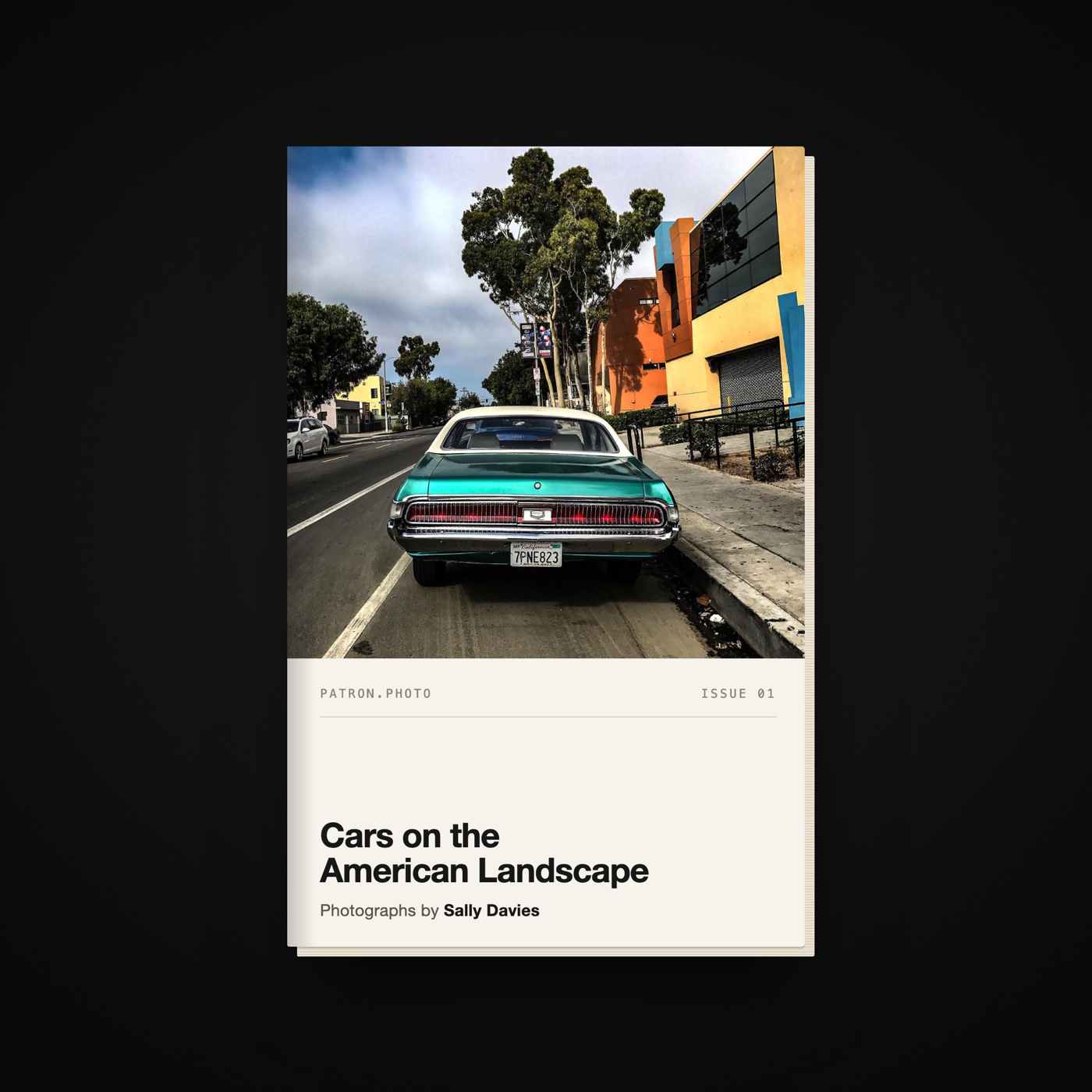
ISSUE 01
Sally Davies
Cars on the American Landscape
Founding photographer
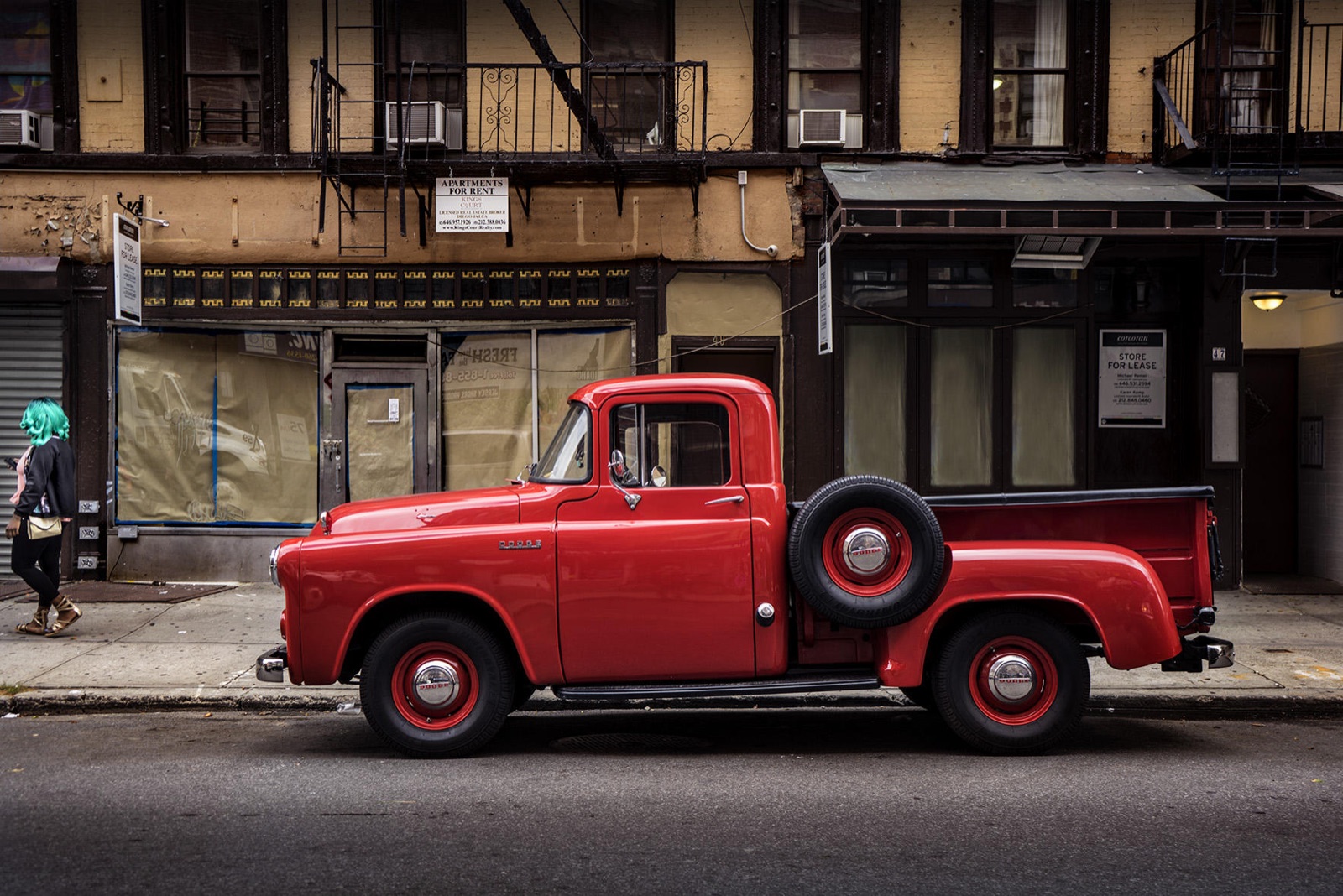
We’re starting with a small group of photographers whose work already carries an audience. Issue 01 is Sally’s. If you have a body of street or documentary work and people who follow it, the next issue could be yours.
Apply to publishApply
Tell us what you shoot and where people already follow it. We read every application by hand and reply personally. Applications are open; membership is invite-only.
One quiet perk: subscribers also get your current work on their iPad or smart-TV frame, at no extra cost. The zine is the point; the screen is a bonus.